OpenAI Just Launched Dots. Here’s How They Could Help Your Business.
OpenAI’s new Dots are always-on AI agents that work towards goals using connected apps. Here are three practical ways a business could put them to work.
Your team might already use ChatGPT to draft emails, summarise documents or analyse spreadsheets. But someone still needs to initiate the task, provide context and return when something changes.
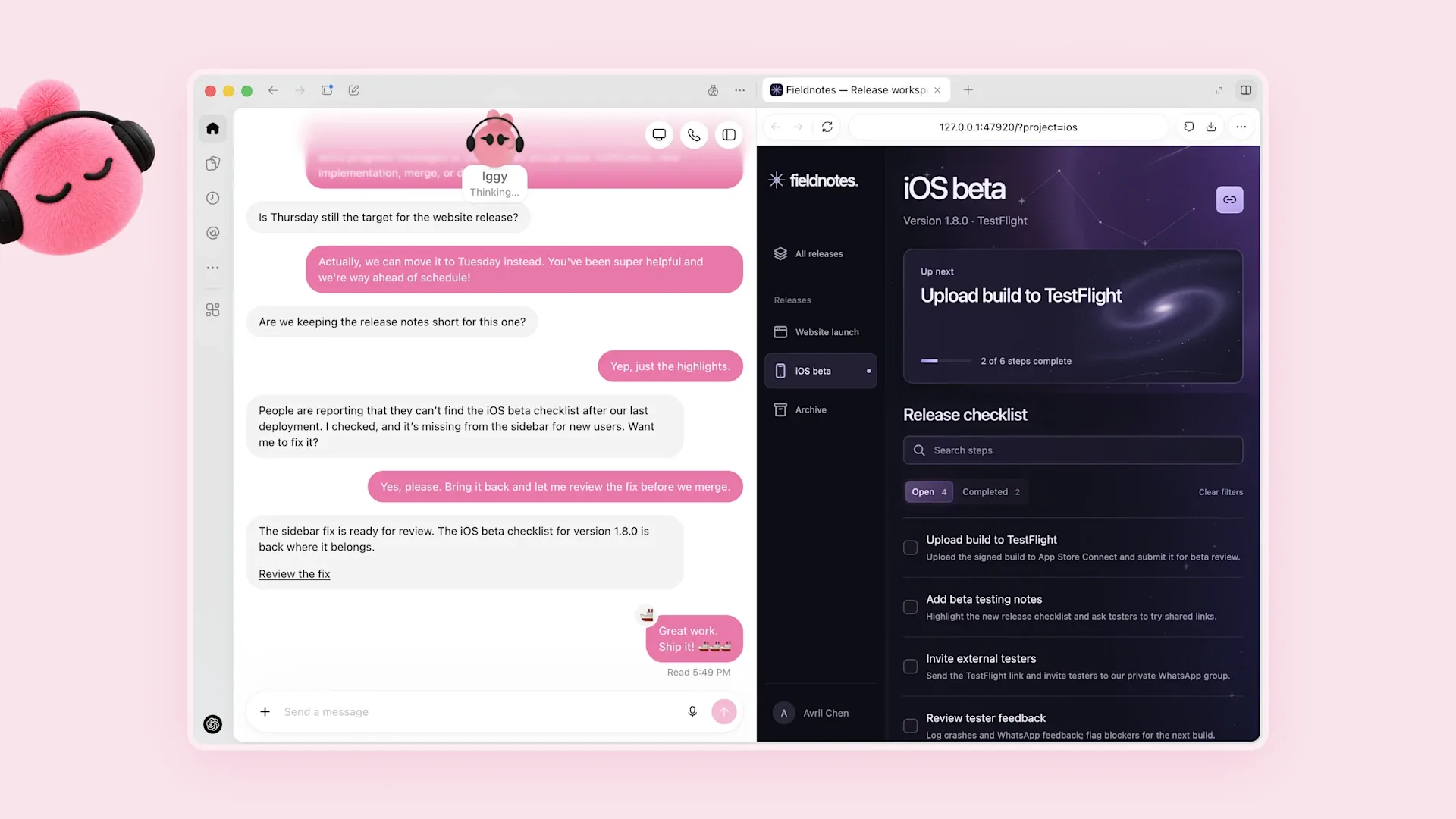
OpenAI’s new Dots aim to take on more of that ongoing coordination. Announced on 29 September, they are always-on AI agents that can work towards goals using connected apps, maintain context and learn from feedback.
So where could they help your business?
What are Dots?
Think of a Dot as an ongoing AI assistant you can delegate work to. It has its own cloud computer and can use apps you authorise. You can interact with it through ChatGPT, Slack or Teams.
Access is rolling out across eligible markets and plans, including Pro and Business Premium, with Enterprise access controlled by workspace administrators.
The practical opportunity is helping keep work moving as new information arrives.
Three ways to put the idea to work
The following are illustrative workflows to explore, depending on your connected systems and available permissions.
1. Keep client proposals up to date
A client sends revised requirements after you’ve prepared a proposal. Someone needs to compare the changes, update the scope and identify anything that affects delivery or pricing.
A proposed workflow could review the new requirements against your draft, prepare suggested revisions and flag decisions for your team. Commercial commitments would remain subject to approval.
2. Prepare follow-ups for outstanding quotes
You’ve invested time in quoting, but following up gets pushed aside by existing jobs.
With access to a reliable quote register and relevant correspondence, a workflow could identify quotes needing attention, check whether the customer has already replied and prepare follow-up drafts.
Your team would review the context and decide what to send.
3. Turn meeting notes into follow-through
A client meeting ends with actions scattered across notes, emails and someone’s memory.
Using the meeting record and an agreed task list, a workflow could prepare a follow-up email, suggest task updates and highlight actions without owners or deadlines.
The aim is to make outstanding work easier to see and act on.
What needs to be in place?
Useful delegation requires clear instructions: which information to use, what good output looks like and which decisions need a person.
Dots’ proactive background research is read-only. Sending messages or changing records requires separately authorised actions, subject to approval rules and safeguards. Consequential work still needs review.
Start with a defined responsibility, such as preparing a weekly quote follow-up list, and give access only to the information needed.
Start with one recurring task
Choose something your team does every week. Run a small trial, check the outputs and refine the instructions.
Measure the time spent reviewing and correcting the work alongside any time saved. That will tell you whether the workflow is genuinely useful.
Help your team get more from ChatGPT
G3 Digital’s ChatGPT workshop helps your team apply AI to real business tasks and build reusable workflows around your documents, processes and tools.
Book a workshop to explore where ChatGPT could reduce recurring work in your business. Feature access is confirmed beforehand, and custom integrations are scoped separately.
Information checked: 2 October 2026. Availability and supported actions vary by plan, region and connected apps.