Claude Cowork Is Becoming Part of Claude. Here’s What It Means for Your Business.
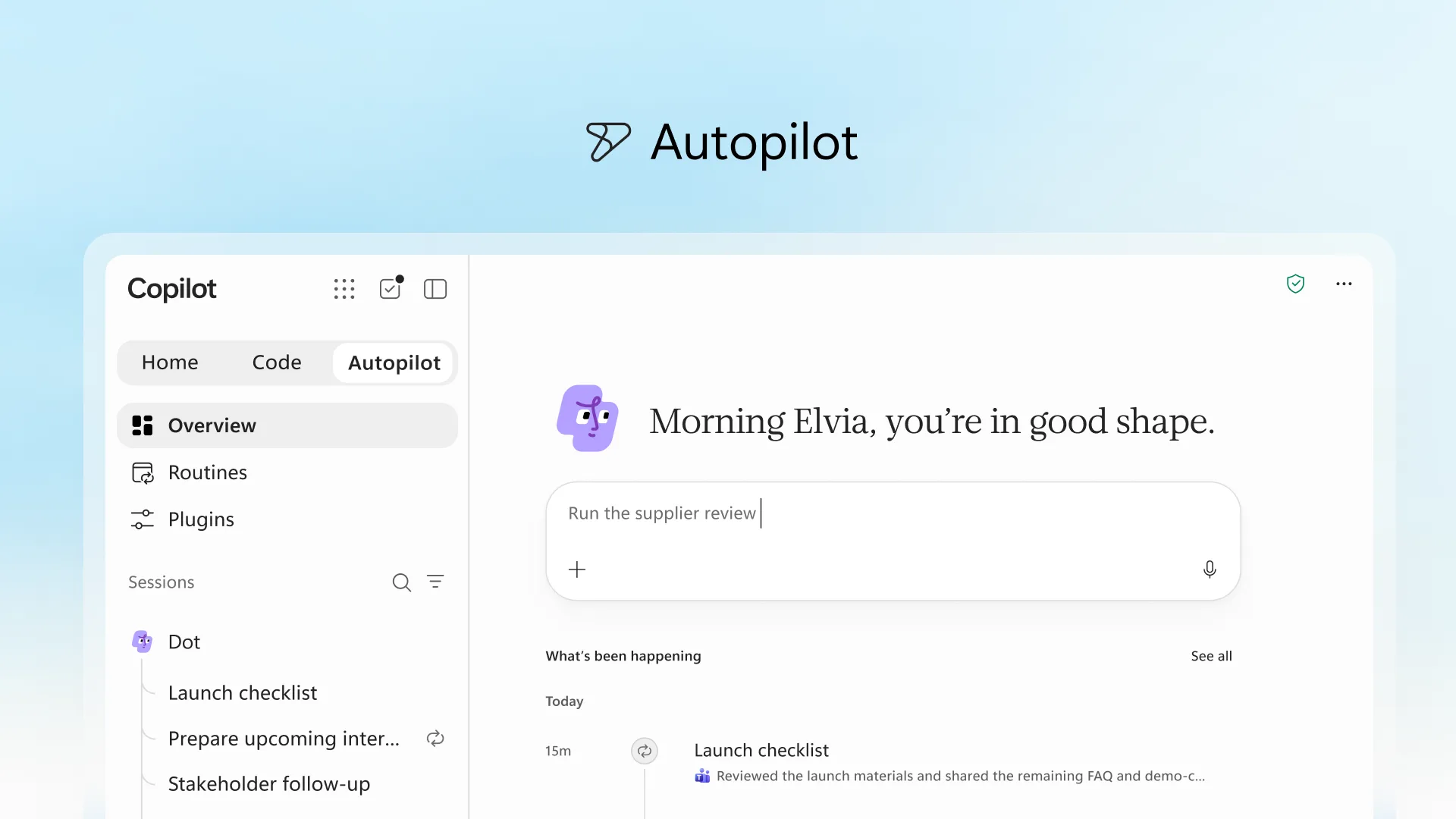
Anthropic is merging chat and Cowork, so your team can ask a quick question or delegate a larger task from the same conversation, without choosing a mode first.
If your team has been using Claude Cowork, you might notice the option disappearing from your account. Don’t worry—its capabilities are becoming part of the main Claude experience.
Anthropic announced on 16 September that it is merging chat and Cowork. You’ll be able to ask a quick question or delegate a larger task from the same conversation, without choosing a mode first.
For your team, that means fewer decisions about where to start and an easier path from discussing work to producing it.
What is changing?
Previously, you selected Cowork when you wanted Claude to take on more involved tasks. In the new experience, you describe the outcome and Claude determines which tools it needs.
The rollout is gradual, starting with Pro and Max accounts across web, desktop and mobile. If you still see separate Chat and Cowork options, you can continue using them.
Anthropic says your existing chats, tasks, projects and settings carry over when your account moves to the new experience. Enterprise administrators will receive at least 30 days’ notice before changes affect their organisation.
More of your work in one conversation
Alongside the change, Anthropic introduced Claude Docs and Claude Slides in beta on paid plans, with Enterprise administrators controlling enablement. Claude Design is also becoming available within conversations.
These tools let you work on documents, presentations and visual materials directly with Claude. Presentations can be edited, presented from Claude or downloaded as PowerPoint or PDF files.
The practical opportunity is to keep the discussion, source information and resulting deliverables together.
What could this look like in your business?
Consider a monthly management report.
Your team has spreadsheet exports, operational updates and a previous report to use as a reference. A workflow to try could be:
- Ask Claude to review the supplied information and identify missing inputs.
- Prepare a draft report using your agreed structure.
- Review the figures, explanations and outstanding questions.
- Request a short presentation based on the approved report.
You can refine the work in the same conversation as requirements change.
This is an illustrative workflow, and the output still needs checking—particularly calculations, unsupported explanations and anything that could influence a business decision.
What should your team do now?
There’s no need to rebuild everything simply because the interface changes. When the update reaches your account, start by testing one existing workflow and checking its instructions, connected tools and outputs.
If your internal guide says “select Cowork”, update it to reflect the new experience once it is available to your team.
For anyone starting fresh, choose one recurring task. Provide a clear brief, the relevant source material and an example of a good result. Review and refine it before making it part of the team’s routine.
Put Claude to work in your business
G3 Digital’s Claude workshop helps your team apply Claude to real documents, reporting and recurring business tasks.
We work with your examples to develop reusable workflows your team can continue using after the session.
Book a private Claude workshop to explore where your team could save time and improve its everyday work.
Information checked: 2 October 2026. Feature availability varies by plan and rollout stage.