Could Microsoft Copilot Keep Your Supplier Delivery Schedule Up to Date?
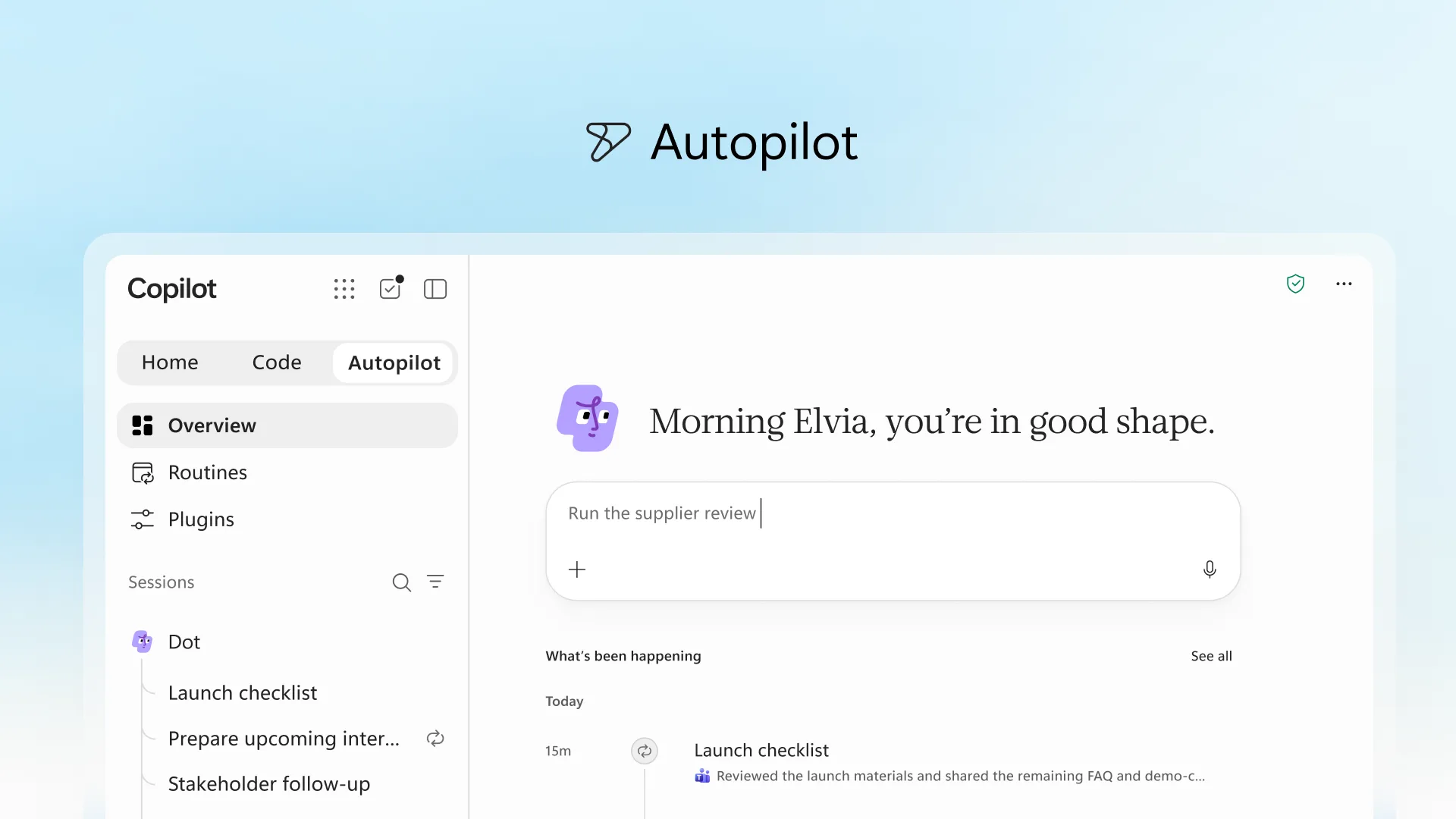
Microsoft’s newly announced Copilot Autopilot works inside your Microsoft 365 tenant. Here’s how it could help keep a supplier delivery schedule accurate.
A supplier changes a delivery date by email. Someone needs to find the order, update Excel and notify the people affected. Across dozens of deliveries, keeping the schedule accurate becomes a job in itself.
What if an AI assistant could help handle that coordination?
Recurring AI tasks aren’t new. Claude already supports scheduled work, including reports and checks using connected information. What makes Microsoft’s newly announced Copilot Autopilot interesting is its integration with the environment where many businesses already keep their information.
Working where your data already lives
Microsoft describes Autopilot as an always-on agent that can follow conversations, carry out recurring work and keep you informed. It operates within your Microsoft 365 tenant with its own identity, permissions and audit controls, working across tools such as Outlook, Teams and documents.
For businesses already using Microsoft 365, that offers a practical advantage: your emails, files and conversations are already part of the environment.
Security is another consideration. Microsoft 365 Copilot provides enterprise data protection, and prompts, responses and information accessed through Microsoft Graph aren’t used to train foundation models. Access permissions and any connected services still need to be configured appropriately.
What could this look like for supplier deliveries?
Consider a team managing delivery dates in Excel while supplier updates arrive by email. A proposed workflow could:
- Identify relevant supplier emails and match them to purchase orders.
- Extract changes to delivery dates, quantities or order status.
- Prepare schedule updates for approval.
- Flag missing information, conflicting dates and delays.
- Produce a weekly summary of upcoming deliveries and outstanding issues.
For example, a supplier confirms that order PO-1042 will arrive on Thursday instead of Tuesday. The workflow could propose the date change against the correct order, with a link to the original email.
If the email doesn’t identify the order or provide a clear date, it should flag the issue for someone to review.
Autopilot is expanding into private preview. This is an illustrative workflow, not a tested out-of-the-box capability; access and functionality would need to be confirmed.
Start with one manageable workflow
Begin with one supplier, a copy of your schedule and historical emails. Check whether the proposed changes are accurate before considering ongoing updates.
Clear order references, agreed approval rules and someone responsible for exceptions will matter as much as the AI itself.
Get more value from Copilot
Want help applying Copilot to your team’s everyday work?
G3 Digital’s Microsoft Copilot Accelerator combines practical training, workflow development and adoption support around your business and Microsoft 365 environment. Custom integrations are scoped separately.
Book a Copilot readiness call to find out where your team could start.
Information checked: 2 October 2026.